

TL;DR
- An in-app purchase sells digital content, functionality, or access inside an app.
- Apple defines consumables, non-consumables, auto-renewable subscriptions, and non-renewing subscriptions.
- The purchase type should match what the customer keeps, uses up, or receives repeatedly.
- Buying, restoring a purchase, cancelling, and recovering a failed renewal are different events.
- Track the entitlement as well as the purchase so a successful charge results in access.
An in-app purchase is a way to buy digital content, a feature, or access from inside an app. You see it when a free app offers a premium tier, extra game currency, a one-off tool, or a subscription.
For a customer, the flow should feel simple: tap the offer, confirm the purchase through the store, then use what they paid for. For an app team, the question is what that purchase promises and what must happen after it completes.
What does in-app purchase mean?
In-app purchases, often shortened to IAPs, cover digital goods and access that a customer buys within an app. Apple documents the available product types in In-App Purchase. Google Play documents its payment setup in its Payments help.
The purchase might give the customer:
- a unit they can use up
- a feature or content item they keep
- access that renews on a schedule
- access that ends after a defined period
That answer determines the product type and what the customer should see when they return later.
How an in-app purchase works
Someone taps an offer, confirms it through the store, and returns to the app expecting the feature to open. The store processes the transaction. The app then needs to recognize the purchase and grant the access that matches it.
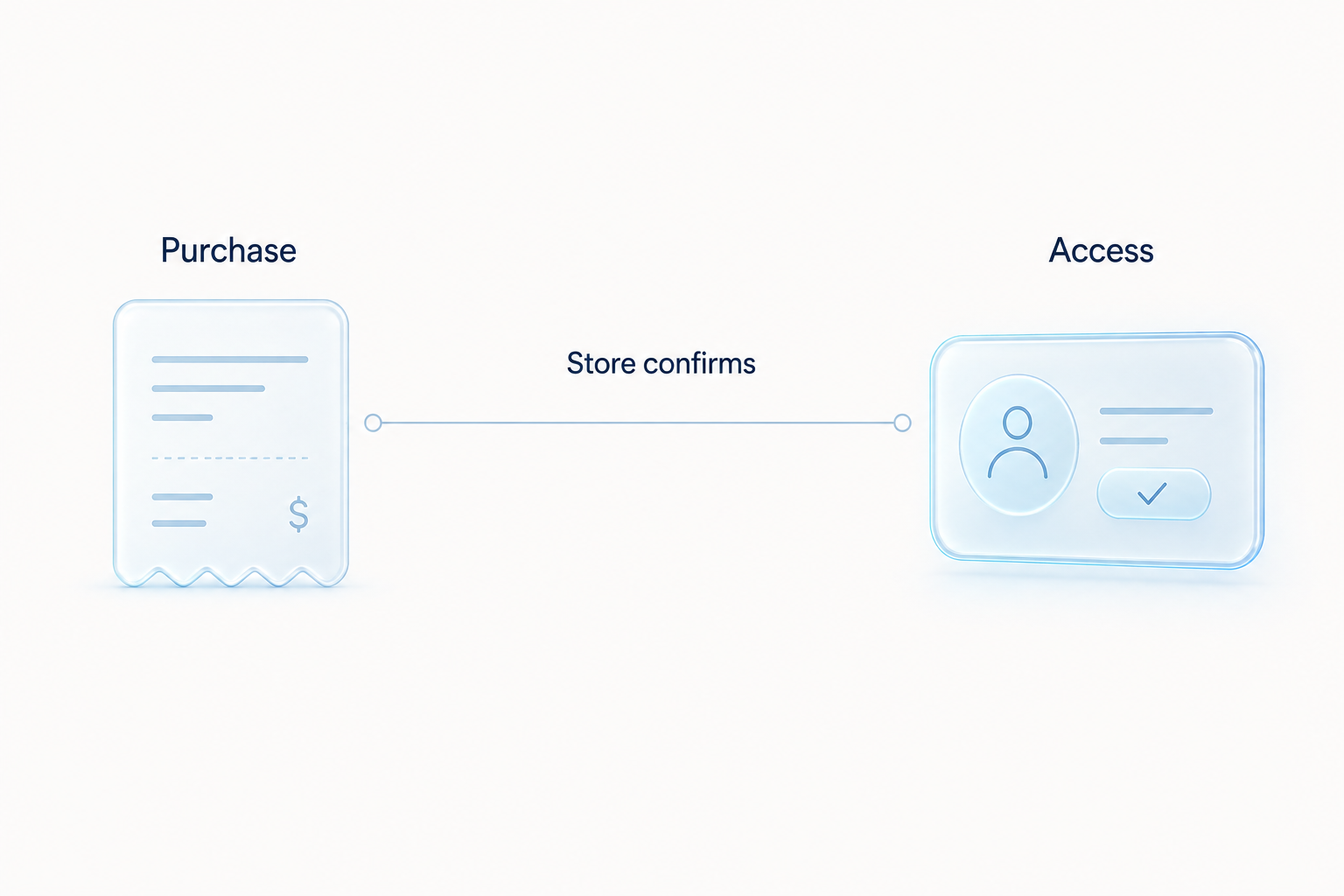
Illustration of the handoff from a confirmed purchase to customer access.
The distinction matters when something goes wrong. A recorded checkout is useful, but it does not prove the customer can use the feature. The app still has to keep access in step with the store’s current transaction state.
The four Apple purchase types
Apple groups in-app purchases into four product types. Choose the one that matches the access you are selling, rather than trying to force every offer into a subscription.
| Purchase type | What the customer receives | Example shape |
|---|---|---|
| Consumable | A unit that can be used up | game currency or a one-time action credit |
| Non-consumable | A feature or item that remains available | a permanent feature unlock |
| Auto-renewable subscription | Access that renews unless the customer cancels | ongoing access to a premium tier |
| Non-renewing subscription | Access for a defined period that does not renew automatically | a fixed-duration pass |
Apple’s In-App Purchase documentation is the source of truth for these labels and their implementation details. The name matters because each type creates a different customer expectation.
A consumable needs a reliable record of what has been spent. A non-consumable needs to be available when the customer returns. A subscription needs access to follow the current subscription state. If those distinctions disappear inside one generic “purchase complete” event, teams struggle to explain why someone has access or why they do not.
Choosing the purchase type
Start with the promise on the purchase screen.
If the customer buys something they will use once or use up, that is a consumable. If they buy a feature they should retain, it is a non-consumable. If they pay for ongoing access, use a subscription type that describes whether it renews.
The decision also changes what your team has to observe:
| If you sell | Watch for |
|---|---|
| Consumables | purchase completion, balance changes, duplicate grants |
| Permanent unlocks | entitlement grant, reinstall and restore behavior |
| Subscriptions | renewal state, cancellation, billing issues, access expiry |
| Fixed-term access | start date, end date, renewal or repurchase path |
Do not use a product label to hide a different promise. A customer who thinks they bought permanent access will not read a short billing explanation as carefully as the team that wrote it. For how these models combine across games, subscriptions, and freemium utilities, see in-app purchase apps.
A purchase is not a restore, cancellation, or payment recovery
These events touch the same customer account, but they answer different questions.
| Event | What happened | What the app needs to do |
|---|---|---|
| Purchase | The customer starts a transaction for access or content | Verify the transaction and grant the matching entitlement |
| Restore | The customer asks the store to refresh a past transaction | Reconnect existing access without creating a new charge |
| Cancellation | The customer stops a subscription from renewing | Show the current access state and learn why they left |
| Failed renewal | A recurring payment did not complete | Follow the store’s billing state and provide the right recovery path |
A Restore Purchase button is for a transaction that already exists. It is not a way to renew an expired plan or fix a card issue. See what Restore Purchase means for the flow and copy.
Failed payment recovery is different again. A customer may have wanted to keep the subscription but lost access because renewal did not collect. See failed payment recovery for subscription apps for the states to separate.
Store rules and access state
On Apple platforms, App Review Guideline 3.1.1 covers in-app purchase requirements, including a restore mechanism for restorable purchases. Read it alongside StoreKit documentation while designing the flow.
Google Play has its own policies and billing setup. In both cases, treat a completed transaction as the store’s decision, then update the app to match. A button tap is not proof that the customer received access.
Track the entitlement, not only the checkout
Checkout events show demand. They do not show whether the customer received what they paid for.
At minimum, connect a purchase attempt to:
- the store transaction result
- the product type and offer selected
- the entitlement grant or denial
- the app account, if your product has its own login
- the next screen the customer sees
- support contact, restore attempt, cancellation, or failed renewal that follows
This is where an app’s data tends to split. The store or billing platform has the transaction. Product analytics has the paywall and feature use. Support has the confused customer. Looking at only one can make a broken entitlement flow look like a weak conversion rate. Mobile app analytics explains how to join those signals when a number moves.
Refix is built to connect product, subscription, and support signals, so a team can investigate the break between a completed purchase and the access the customer expected.
In-app purchase setup checklist
Before release, walk through the experience from the customer’s side.
- Make the offer and access period clear before purchase.
- Match the store product type to the promise you make in the app.
- Verify the completed transaction before granting the entitlement.
- Update the interface immediately when access changes.
- Put restore controls where an existing customer can find them.
- Test a new purchase, reinstall, new device, cancellation, expiry, and failed renewal as separate journeys.
- Review the store’s current policy and implementation documentation before changing billing behavior.
The purchase button is only the first event. A reliable in-app purchase flow keeps the store state, product access, and customer understanding aligned after it.
See how Refix connects product and subscription signals.
FAQ
- What does in-app purchase mean?
- It means buying digital content, features, or access from inside an app through the store's payment system. The app then grants the customer the entitlement associated with that purchase.
- What are the types of in-app purchases?
- Apple lists consumable purchases, non-consumable purchases, auto-renewable subscriptions, and non-renewing subscriptions. Each type describes whether the purchase is used up, kept permanently, or provides access for a period of time.
- Do in-app purchases include subscriptions?
- Yes. An auto-renewable subscription is an in-app purchase type. It provides access for a recurring period until the customer cancels or the subscription ends.
- Is restoring a purchase the same as buying one?
- No. Buying starts a new transaction. Restoring asks the store to refresh transactions that already exist so the app can unlock access the customer already paid for.