


TL;DR
- Use the native store review prompt, not a custom star-rating modal that imitates it.
- Ask after a customer has completed a meaningful action and the interface has settled.
- A request is not proof that a review sheet appeared or that a review was submitted.
- Do not ask opinion or star-rating questions before the native Google Play review flow.
- Keep a normal support path available regardless of whether a review request is eligible.
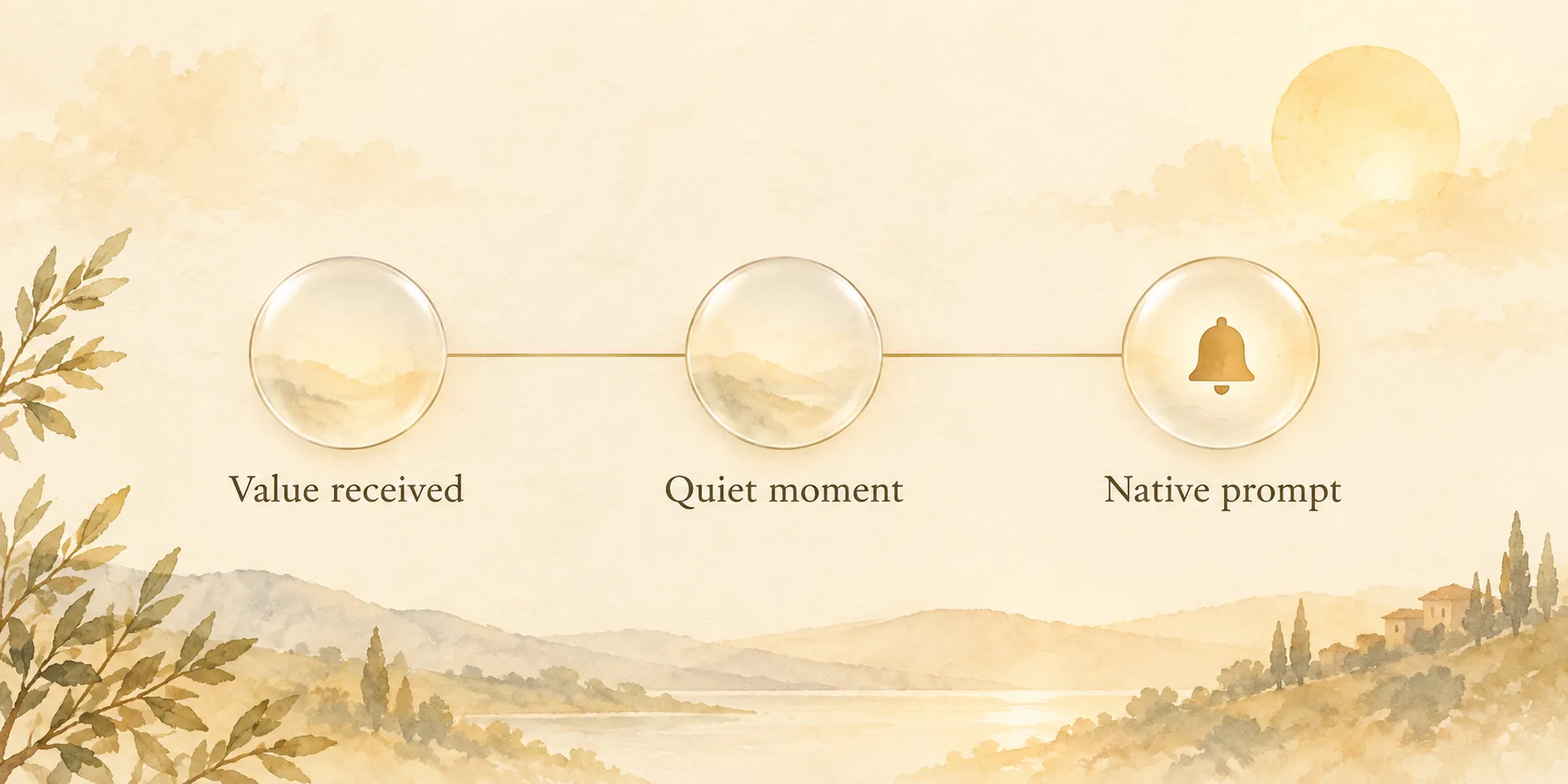
The cleanest time to ask for a rating is usually a quiet second after someone gets what they came for. They saved the project, finished the lesson, or completed a task. The screen is no longer asking anything of them.
That timing is more useful than a generic rule such as “ask after seven days.” A rating prompt is a native store request with its own quota and display rules. Your app can ask for one. It cannot guarantee that the customer will see it.
What is a rating prompt in a mobile app?
A rating prompt asks a customer to rate or review an app through the App Store or Google Play. On iOS, use Apple’s StoreKit review-request capability. On Android, use the Google Play In-App Reviews API.
Both platforms control the final presentation. Google’s documentation says its dialog is subject to a time-bound quota whose value can change. Apple says its system may show a request up to three times in 365 days per user, and customers can turn requests off. Record that your app made an attempt, but do not treat the attempt as a displayed sheet or a submitted review.
When should an app ask for a rating?
Ask after the customer has had enough experience to give useful feedback and when the request will not interrupt their work. Google states that principle directly in its in-app review guidance. Apple similarly frames the request around demonstrated engagement in its StoreKit documentation.
A practical policy has three parts:
| Check | What it protects |
|---|---|
| A meaningful value event happened | The request is tied to use, not installation |
| The current task has finished | The prompt does not block a payment, form, or workflow |
| Recent friction is absent | A crash, failed payment, or open support problem is not followed by a review request |
The event belongs to the product. A completed workout might work for a fitness app. A successfully published project might work for a creative tool. Do not copy another app’s milestone when it has nothing to do with the value your customer came for.
How do iOS and Android rating prompts differ?
The product decision is similar, but the store rules are not identical.
| Platform | Native route | Important constraint |
|---|---|---|
| iOS | StoreKit review request | Apple may show a request up to three times in 365 days, and a customer can disable requests |
| Android | Google Play In-App Reviews API | Google applies an unspecified, time-bound quota and may not show a dialog |
On Android, Google says not to put a call to the in-app review API behind a “Rate this app” button. A customer could tap it after reaching quota and see nothing. For an explicit settings action, send the customer to the Play Store instead.
The visual is not yours to redesign. Google says the review card should be presented as-is, with no overlay, alteration, or programmatic dismissal. That constraint is useful: it keeps the app from turning a store review into a custom conversion flow.
What should a rating-prompt policy exclude?
Do not show a review request on launch, during onboarding, during checkout, or after an error. Avoid treating the prompt as a way to rescue a bad moment. A customer who cannot log in or whose payment failed needs help, not a star request.
Do not ask “Do you like the app?” or “Will you give us five stars?” before Google’s native flow. Google’s guidance explicitly prohibits opinion and predictive questions before or during it. Avoid review gating, incentives, and any path that sends only happy customers to the store. The stores’ review systems are for feedback, not a sentiment filter.
A separate support link is still a good product feature. It should exist for everyone, not as the negative branch of a rating funnel. If recurring billing trouble appears in support, that is a different operational problem from review collection. See failed payment recovery for subscription apps.
How should an app team instrument rating prompts?
Keep the event model modest. You need to learn whether the eligibility rule is firing in reasonable places, not to claim credit for every rating change.
Track these events:
- The value event that made a customer eligible.
- The app’s request attempt.
- Suppressions, such as recent errors or a recent attempt.
- The store rating and review themes at an aggregate level, alongside release and support context.
The native APIs do not provide a reliable signal that a review was submitted. Do not build a dashboard that pretends otherwise. Review volume, rating distribution, and themes are useful operating signals, especially when read with version-specific issues and support tickets.
How do rating prompts connect to review management?
A request creates feedback. Someone still has to read it, find the issue behind it, and close the loop when a release fixes it. That is the work of app review management.
Keep the two practices separate in your system: rating prompts decide whether a customer is eligible for a native request; review management routes and responds to feedback after it arrives. If you are reading store-page acquisition alongside review themes, use App Store conversion rate to keep impressions, downloads, and feedback in their own lanes. Refix is built to help app teams turn those product and feedback signals into focused work instead of another disconnected metric.
FAQ
- When should an app show a rating prompt?
- Ask after the customer has experienced enough of the app to offer useful feedback, ideally after a meaningful completed action and at a moment that does not interrupt their work.
- How often can an iOS app ask for a rating?
- Apple says the system may display a rating or review request up to three times in a 365-day period for a user. Users can also turn off in-app review requests.
- Can an Android app ask users if they like the app before a rating prompt?
- No. Google says apps should not ask opinion or predictive questions before or while presenting the in-app review flow.
- Should a Rate this app button call the native review API?
- No. Google notes that a quota may prevent the dialog from appearing. A user-initiated action can instead take the customer to the Play Store listing.