

TL;DR
- Ask permission when a customer understands the value of the messages.
- Send concise, specific notifications tied to a customer event.
- Match priority and expiry to the urgency and shelf life of the event.
- Treat accepted sends as different from delivered or seen notifications.
A notification can be useful at 8:05 and irritating at 8:06. A pickup reminder has a short shelf life. A saved workout plan may be welcome tomorrow. A generic “come back” message has no reason to arrive at either time.
Push notification best practices start with the customer event. Decide whether the app has permission to interrupt, then make delivery settings match the life of the event.
What makes a push notification useful?
Apple’s Human Interface Guidelines say a notification should give timely, high-value information someone can understand at a glance. Keep it concise, do not repeat the same alert, and do not expose sensitive information on a lock screen.
| Customer moment | Notification job | Avoid |
|---|---|---|
| A person receives a reply | return to the exact conversation | a vague activity summary |
| A saved item changes | surface the change while it matters | an alert after it is stale |
| A plan is due | remind them of a choice they made | an unexplained first-launch prompt |
Push asks someone outside the app to return. In-app messages help someone already using it. App engagement strategy covers how the two channels fit into a return-visit plan.
When should an app ask for notification permission?
Ask after someone can picture the benefit. A price alert makes sense after they follow an item. A reminder makes sense after they create a plan. Apple requires permission before an app can send notifications, and people can change settings later. Explain the value before the system request, then give customers settings that reflect the categories the app actually sends.
How should a team write and schedule notifications?
Name the event and provide a clear destination. The copy should make sense when it is separated from the app. Set timing from the event, not a blanket schedule. Keep personal details out of visible text and let the deep link reveal protected detail only after normal access checks.
What do priority and expiry mean for delivery?
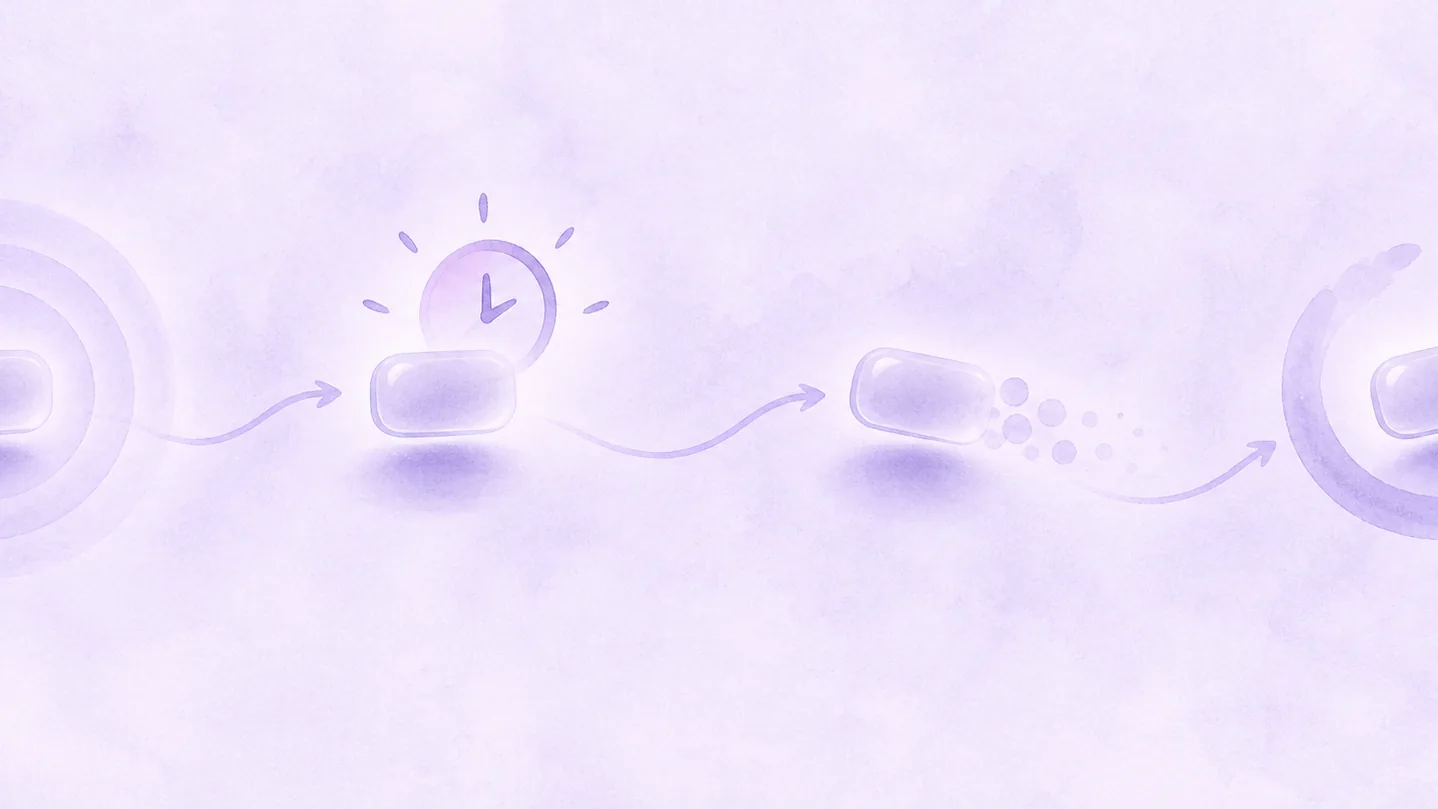
Firebase says normal-priority Android messages may be delayed in Doze mode and suit less time-sensitive updates. High priority can wake a device and is for urgent, user-visible messages that generally lead to interaction. Do not use high priority to force a marketing message through.
Firebase’s message lifespan documentation says Android and web messages can have a lifespan from zero to 28 days; iOS uses the APNs expiration header. A zero TTL discards a message that cannot arrive immediately. That can fit a time-sensitive invitation and be wrong for a digest.
| Event | Delivery decision |
|---|---|
| Time-sensitive invitation | short expiry and appropriate visible urgency |
| Content update | normal urgency and finite lifespan |
| Replaced status update | collapse or replacement behavior |
| Background sync | normal priority, with durable state elsewhere |
Provider acceptance is not proof a person saw the message. Keep the durable product state on the server or refresh path.
How should an app measure notifications?
Firebase says stale registrations can distort delivery reporting. Store the current registration identifier with a recent-seen timestamp, update it when it changes, and remove invalid registrations after a provider response.
- Start with eligible customers and permission state.
- Record send requests separately from delivery or display data.
- Track the intended product action, not opens alone.
- Compare opt-outs and return activity by category and cohort.
- Use a holdout group when the team needs a causal answer.
Mobile app analytics joins this record with product, subscription, and support context. Refix is built to connect those signals so teams can see the customer state behind a message and the behavior that followed it.
See how Refix connects the signals behind engagement work.
FAQ
- What are push notification best practices?
- Ask permission in context, send concise useful messages, give customers meaningful controls, match priority and expiry to the event, maintain valid device registrations, and measure the customer behavior that follows a notification.
- What is the difference between high and normal priority notifications?
- On Android, normal priority suits updates that can wait while a device is in Doze mode. High priority is for urgent, user-visible notifications that generally lead to interaction.