


TL;DR
- Treat reviews as an operating input with an owner, a route, and a response policy.
- Triage current-version bugs, access problems, and billing issues before generic feature requests.
- Keep public replies concise and move account-specific troubleshooting to a private support route.
- Google Play and App Store Connect both support a public response workflow with platform-specific roles and controls.
- Close the loop only when a fix is real, and say which version contains it when that is useful.
A one-star review about a crash looks like a support ticket. Ten versions of the same review look like a product problem. App review management gives those two cases different routes without losing either one.
The job is not to answer every review with polished copy. It is to read the feedback, decide what needs action, protect the customer’s privacy in public, and make recurring problems visible to the people who can fix them.
What is app review management?
App review management is the operating process around App Store and Google Play ratings and reviews: monitor feedback, triage it, reply where a public answer helps, and route underlying issues into product, engineering, or support work.
Google Play lets authorized users see individual reviews and clustered review data in Play Console. Its ratings and reviews documentation also describes review summaries, top issues, one public reply per review, and the ability to edit that reply. Apple provides a comparable public-response workflow in App Store Connect.
A review is not a complete diagnosis. It is a customer signal. Pair it with the app version, the issue category, and the private support conversation if the customer chooses to continue there.
What should the review-management loop look like?
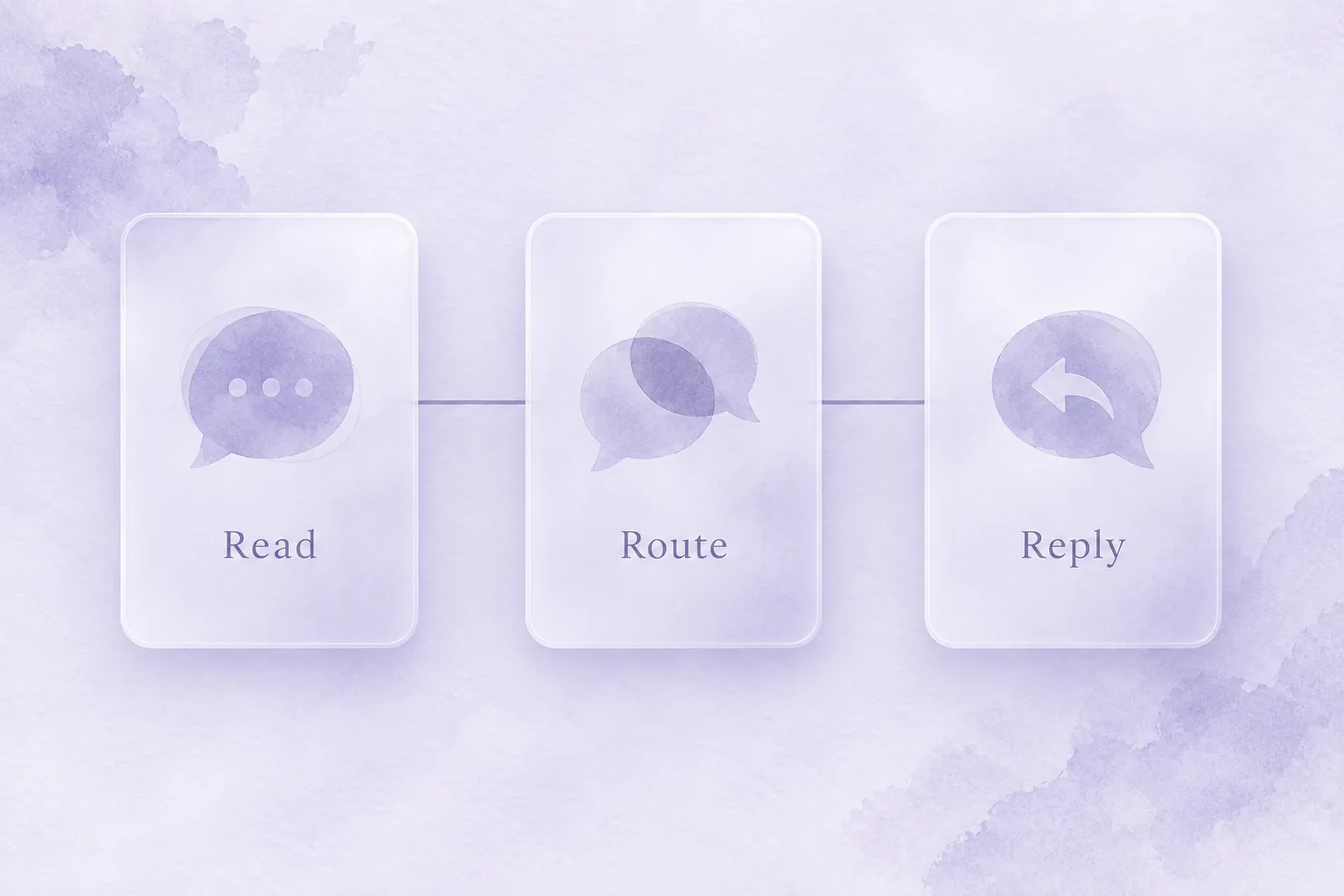
A small loop is easier to keep running than a large review program that no one owns. Use four steps:
| Step | Action | Output |
|---|---|---|
| Read | Monitor new feedback and current themes | A queue with the review, version, and store |
| Route | Tag the issue and assign its next owner | Support, engineering, product, or policy review |
| Reply | Write a specific public response when it helps | A respectful next step without private data |
| Learn | Group recurring feedback and inspect it after releases | A short list of problems worth fixing or investigating |
Start with issues that can leave a customer locked out: crashes, login trouble, missing access after a purchase, and billing confusion. Feature requests matter, but they do not have the same urgency as a customer who paid and cannot use the app.
How do Google Play and App Store review replies work?
Both stores support public responses, but the permissions and presentation details are platform-specific.
| Store | Who can reply | What to know |
|---|---|---|
| Google Play | A user with the Reply to reviews permission | One public reply can be written for a review and edited later; the reviewer receives push and email notifications |
| App Store | App Store Connect Admin or Customer Support users | One public response is shown; Apple says it can be edited or deleted and may take time to appear |
Use the stores’ current help pages while setting roles: Google Play review controls and Apple’s reply workflow. Do not put customer account details, order identifiers, or other personal information in a public reply.
Google notes that reviews may be held before public posting while it checks suspicious activity. The review may still be visible to the developer during that period, which means support can begin before a public rating changes.
How should an app team write a public response?
A useful reply has a plain shape: acknowledge the specific problem, state a confirmed next step, and offer a private route for details. It does not need a brand voice performance.
| Review type | Public response should do |
|---|---|
| Crash or bug | Acknowledge the issue, ask for device and version details through support, and mention a confirmed fix only after it ships |
| Missing purchase or access | Recognize the access problem and move account-specific checks to private support |
| Feature request | Thank the customer, restate the requested outcome accurately, and avoid promising a date |
| Positive feedback | Reply briefly and specifically when there is something genuine to add |
Avoid arguing, blaming the customer, copy-pasting the same reply everywhere, or asking for a rating change. A public response is part support note and part record for the next person reading the review.
How do reviews become product work?
Tags make the handoff possible. Start with a few categories you can act on: crash, onboarding, login, subscription or billing, missing access, usability, feature request, and praise. Keep the original language with the tag. The tag helps summarize; it should not erase what the customer said.
Review themes are especially useful around releases. Compare new complaints with the current version, support volume, and known incidents. Google Play exposes review summaries and topic trends in its analysis surface. Apple’s ratings and reviews guidance also treats feedback as a way to improve the app and respond to customers.
When a fix ships, return to affected reviews where a reply can genuinely help. Name the version only if the fix is confirmed. Then watch whether the theme subsides instead of declaring the problem solved from one release note.
Where do rating prompts fit?
Rating prompts and review management are related but separate. A native prompt asks for feedback after an appropriate customer moment. Review management begins once feedback exists. Do not use an unhappy-path prompt to divert criticism away from the store.
For the store rules and timing around that first step, see rating prompts for mobile apps. If feedback points to an access or renewal problem, the next playbook may be what Restore Purchase means or failed payment recovery for subscription apps, depending on what actually happened.
Refix is built to help teams connect signals such as reviews, access friction, and customer behavior to the next product action. The work starts with a review queue someone can own.
FAQ
- What is app review management?
- It is the process of monitoring app-store feedback, routing issues to the right team, responding appropriately in public, and using recurring themes to guide product and support work.
- Can developers reply to Google Play reviews?
- Yes. Google says a user with the Reply to reviews permission can write one public reply per user review and edit it later.
- Can developers reply to App Store reviews?
- Yes. Apple says App Store Connect users with Admin or Customer Support roles can respond publicly to customer reviews, then edit or delete the response.
- What should an app review response include?
- Acknowledge the specific issue, give a confirmed next step or support route, and keep account or personal details out of the public reply.