

TL;DR
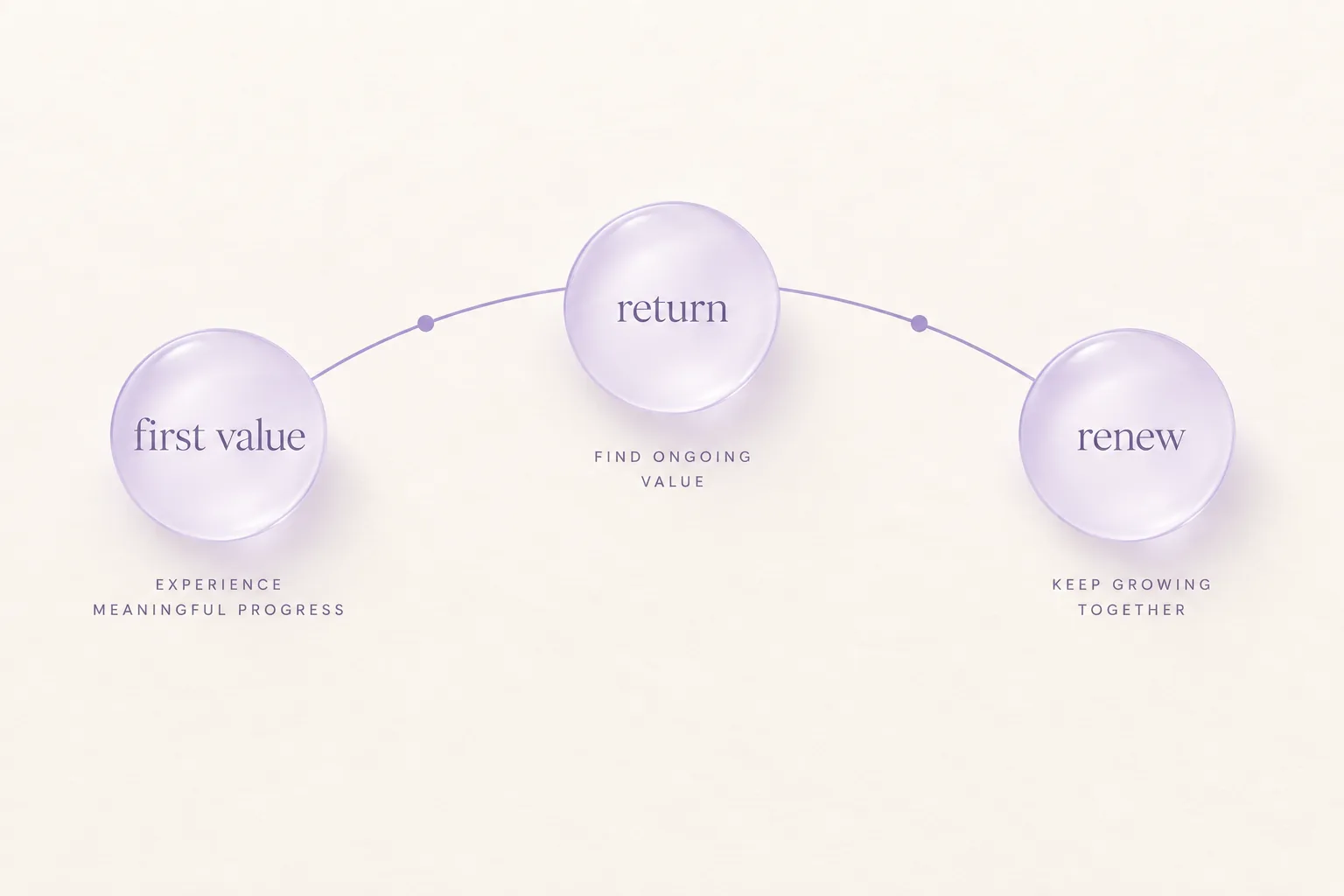
- An app engagement strategy plans the return visits that keep a subscription renewing, not the volume of messages sent.
- The first session should deliver one clear outcome before the app asks for permission or payment.
- Notification permission is requested in context, after the customer sees what the messages are for.
- In-app messages reach people already in the product, while push and offers target people who left.
- Save and win-back offers fit lapsed or cancelling subscribers, not customers still deciding whether the app is useful.
- Test one engagement change per cohort and read the result in renewals and return visits, not opens alone.
Installs tell a team how many people arrived. They say nothing about who came back. An app engagement strategy fills that gap. It is the plan for earning the second, fifth, and fiftieth visit, and for connecting those visits to revenue that renews.
Teams usually inherit this plan by accident: a welcome email here, a notification prompt on first launch there, a discount when cancellations spike. Written down as one strategy, the same pieces stop competing and start pointing at the same return visit.
What is an app engagement strategy?
An app engagement strategy decides what brings a customer back, when the app asks for their attention, and how the team knows it worked. It covers the first useful moment, the triggers that prompt a return, and the measurement that ties visits to renewals.
This is different from a messaging calendar. A calendar counts sends. A strategy names the behavior it wants, such as completing setup, finishing a first project, or returning three times in the first week, then picks the smallest trigger that produces it.
| Piece of the strategy | The question it answers |
|---|---|
| First value | What does a new customer get before the app asks for anything? |
| Return triggers | What prompts the next visit when the customer leaves? |
| Permissions | When has the app earned the right to interrupt? |
| Offers | What tempts back someone who decided to leave? |
| Measurement | Which cohort returned, and did renewals follow? |
Mobile app analytics is the companion guide for the last row. It maps which systems hold each signal so the engagement review starts from joined data instead of one dashboard. For the top-of-funnel side of the same journey, mobile app user acquisition connects the store and campaign promise to first value.
How does engagement lead to retention?
A customer who never returns cannot renew, and a renewal page cannot fix a product nobody opens. Engagement earns the visits. Retention keeps the revenue those visits make possible.
The order matters because each side has its own owner and metric. Engagement work is measured in return visits by cohort: did the group that received the new onboarding come back more often than the group before it? Retention work is measured in continued subscriptions, and net retention rate gives the revenue view once expansion and contraction join the picture.
When renewals slip, the engagement review comes first. If return visits fell before cancellations rose, the cause sits in the product or its triggers. If visits held steady while renewals fell, the problem is closer to price, plan fit, or payment, and reduce churn routes each of those states to its own fix. Churn analysis covers the diagnosis sequence that separates the two.
What should the first session deliver?
One clear outcome. A reading app saves a first article. A fitness app finishes a first workout plan. A finance app connects one account and sees one balance. The shape varies, but the job does not: the customer should leave the first session able to describe what the app did for them.
Keep the path short. Every screen before that outcome is a place to lose someone who has not yet decided the app is useful. Put account creation, permission requests, and paywalls after the first outcome wherever the store rules and the business model allow it.
| First-session choice | Why it helps engagement |
|---|---|
| One promised outcome | The customer can judge the app on something real |
| Setup after value | Fewer steps stand between install and the first win |
| A visible next step | The second visit has a reason before the customer leaves |
| A saved state | Progress, a list, or a plan waits for them on return |
The next step deserves the same care as the first one. An app that ends its onboarding with a dead end has to buy back attention it could have kept for free.
When should an app ask for notification permission?
After the customer can picture what the notification is for. A reminder about a saved workout plan makes sense once a plan exists. A price alert makes sense once the customer follows an item. The request converts when it points at something the customer already chose.
Apple provides the system permission request that an app must present before sending notifications, documented in its guide to asking permission to use notifications. The store rule is fixed: no permission, no remote notifications. The timing around it is the team’s decision, and early asks spend trust before the app has earned it.
A practical pattern is a short in-app explanation first, then the system prompt only for customers who accept the explanation. Someone who declines stays reachable through in-app messages and email if they gave it. Someone who accepts gets messages tied to the value they already saw, not a generic broadcast.
What do in-app messages do that push cannot?
In-app messages meet the customer where they already are. A tip during setup, a nudge toward an unused feature, or a survey after a completed task lands inside the session it refers to. Push notifications do the opposite job: they reach someone outside the app and ask them to return. Push notification best practices covers permission, delivery settings, and the measurement behind that interruption.
Firebase documents these as separate products because the delivery rules differ. In-App Messaging delivers messages to customers actively using the app, triggered by behavior or context the team defines. That makes it the channel for guidance, while push stays the channel for return.
| Situation | The channel that fits |
|---|---|
| Customer is stuck mid-setup | In-app message tied to the step |
| Customer finished something worth repeating | In-app next step, then push only if they go quiet |
| Customer has not opened the app in days | Push tied to their saved progress or plan |
| Customer turned off renewal | A save or win-back offer, not another tip |
Keep the two channels from repeating each other. A customer who acted on an in-app tip should not get the same content as a push the next morning. The event record should show which message the customer already saw.
Where do offers fit in engagement?
Offers belong at the end of the engagement path, not the start. A discount cannot teach a new customer what the app does, and it cannot fix a first session that never delivered. It can tempt back someone who found value and still decided to leave.
Apple describes this split in its subscription guidance. Promotional and save offers address subscribers who turned off auto-renewal but still hold access, while win-back offers are configured per product for lapsed subscribers who may re-subscribe. The eligibility rules differ, so the app has to check the subscriber’s state before choosing which one to show.
| Subscriber state | The engagement move |
|---|---|
| New, no value yet | Improve the first session, not the price |
| Active and returning | Deepen use with in-app guidance |
| Turned off renewal, access remains | An eligible save offer or a better plan fit |
| Lapsed | An eligible win-back path back into the app |
Sending a win-back style discount to someone who never reached first value hides the real problem and trains the team to discount on schedule. App monetization covers how the offer should match the model the customer bought into.
How should a team test engagement changes?
One change, one cohort, one reading. Engagement tests fail most often because three things shipped at once: new onboarding, new notification copy, and a new offer. When return visits rise, nobody knows which change earned them.
Firebase A/B Testing exists for this kind of experiment: define the audience, split it between the current experience and one variant, and read the result on the behavior the change was meant to move. The variant can be a message, a prompt timing, or an onboarding step. The reading should reach past opens and taps to return visits and, for subscription apps, the renewal that follows.
A few habits keep the results honest:
- Name the behavior before shipping, such as second-week return or setup completion.
- Hold the rest of the journey steady while the test runs.
- Compare the same cohort definition on both sides.
- Keep a control group that receives nothing new, so silence is measured too.
- Write down what lost. A failed variant is a finding, not a waste.
Small teams can run this loop with a spreadsheet and one event per test. The discipline is the same at any size: change one thing, watch the cohort, keep what moved the visit.
How should a team run engagement work?
Pick the leak, not the channel. If first-week return fell, start with the first session and its next step. If established customers drifted, review the triggers tied to their saved progress. If cancellations rose while visits held, the work belongs in pricing or recovery rather than messaging.
A light monthly review keeps the strategy current:
- Read return visits by cohort, then renewals behind them.
- Name the segment that moved and the last event it saw.
- Choose one change and one owner for that segment.
- Ship the change as an experiment with a control group.
- Keep the winner, record the loser, and review the same segment again.
Engagement compounds when each cycle starts from the last reading instead of from a new tool. The team learns which trigger moves which cohort, permission asks land on customers who want them, and offers go to subscribers whose state actually fits.
Refix is built to connect product, subscription, and support signals, so the team running this loop can trace a renewal movement back to the visits and messages that preceded it.
See how Refix connects the signals behind engagement work.
FAQ
- What is an app engagement strategy?
- An app engagement strategy is a plan for bringing customers back after install. It connects the first useful moment, return triggers such as notifications and in-app messages, and offers for at-risk subscribers to the repeat visits that keep subscriptions renewing.
- How does app engagement affect retention?
- A customer who never returns cannot renew. Engagement work earns the repeat visits that make renewal the default, while retention reporting shows whether those visits turned into continued subscriptions.
- When should an app ask for notification permission?
- Ask after the customer has seen the value the notifications point to, such as a finished setup or a first saved item. Apple provides the permission request flow, and the request converts better when the customer already understands what they will receive.
- What is the difference between push notifications and in-app messages?
- Push notifications reach customers outside the app and ask them to return. In-app messages reach customers already using the app and guide the current session. Firebase documents both as separate products with separate delivery rules.
- How do you measure an app engagement strategy?
- Measure return visits by cohort, then follow the path to renewal, cancellation, or lapse. Test one change at a time with an experiment framework and keep opens and taps as diagnostics rather than the goal.